Are two-column resumes ATS-friendly?
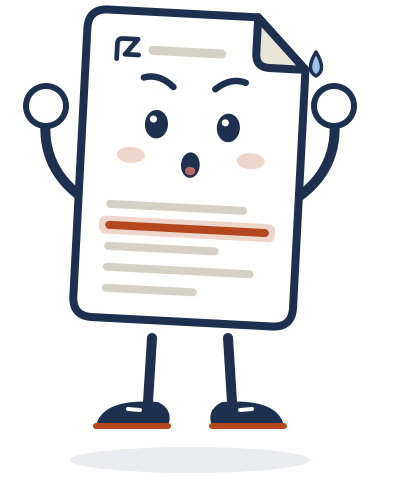
Not reliably. Some applicant tracking systems read straight across the page, so a two-column layout can mix your skills into your job titles. When you apply online, a single column is the safe default.
What "reading across" looks like
A two-column resume
Python Marketing InternSQL Acme Co · 2025ExcelA person reads the left column, then the right. Some parsers read each line from left to right instead, so "Python" ends up next to "Marketing Intern", and your skills section comes out empty.
Why it happens
Parsing software turns your page into plain text before it sorts anything. Roche's resume parsing FAQ says some systems "read columns straight across rather than reading column one top to bottom". The University of Maryland warns that columns and tables "may cause major parsing errors", and the University of Houston recommends a "single-column resume".
Not every system fails. Some read columns fine, but you can't see which one an employer uses, so one column removes the risk.
When two columns are fine
When a person reads the file directly, for example a handout at a career fair or a resume a recruiter asked you to email, a two-column design does no harm. Keep a one-column version for anything you upload to an application form.
How to switch to one column in 5 minutes
- Start from a blank document, not a template. Houston's career center notes that templates can carry hidden formatting.
- Put your name and contact details at the top of the page, in the body, not in the header area.
- Order your sections top to bottom: Education, Projects, Experience, Leadership and activities, Skills. Move Experience up if you have relevant work history.
- Turn the old side column into a plain Skills line, like "Python, SQL, Excel".
- Remove tables, text boxes and decorative lines.
- Save the file in the format the posting asks for.
A quick test you can do now
Open your resume, select all the text, copy it and paste it into a plain text file. If the lines come out in a mixed-up order, a parser may see them that way too. Then run the free resume check to see what else to fix.
Check your resume free
Upload or paste your resume and see what to fix, in under a minute. Add a job post to see what's missing for that job. No sign-up.
Check my resumeRelated guides
- ATS-friendly resume format: 6 rules that keep your skills readableThe six format rules, with sources, and what to leave out.
- How to write a new grad resume with no experienceThe section order, what counts as experience, and a sample resume.
- Resume objective or summary? What new grads should useWhy a short summary usually beats an objective, with three examples.